If you haven’t already purchased a full DISC assessment…
How to Take Your Paid DISC Assessment
- After logging in, click the button that says, “Take Your Full, 24 Question Assessment”.
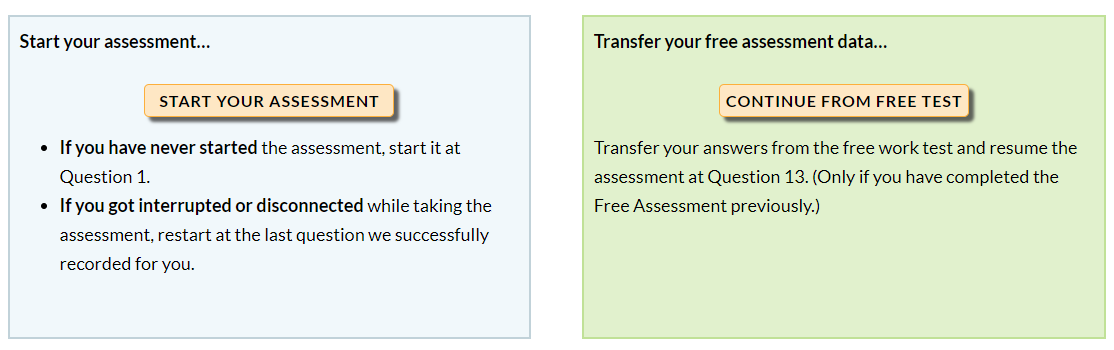
- This will take you to a new page where you can either start a new assessment or transfer your data from a free assessment and start at question 13.
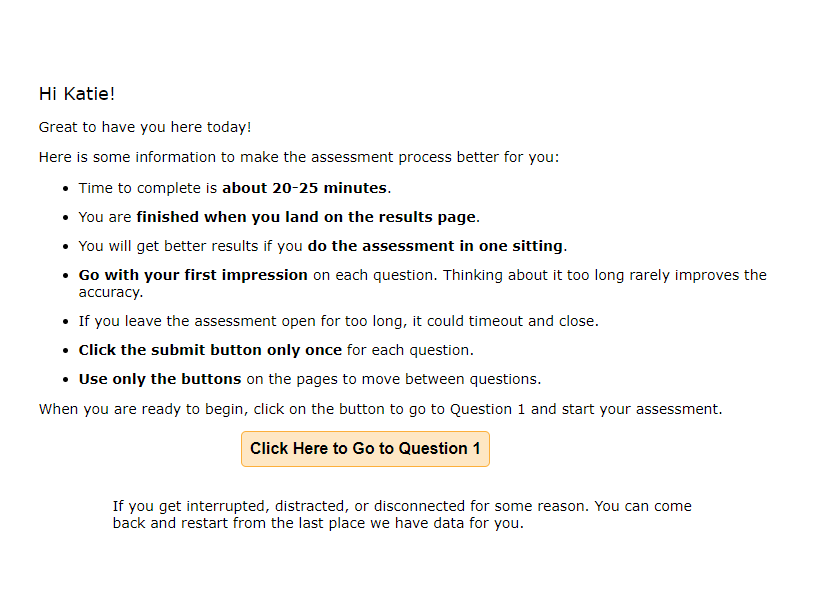
- If you click to start a new assessment, a window will pop up that explains the assessment and allows you to start at question 1.
- Complete your assessment in order to download your full DISC Report PDF.
If you haven’t already purchased a full DISC assessment…
Free Assessment
- You can start taking our free DISC assessment from several pages including our homepage or from our Free DISC Assessment information page. Just click on the button that says, “Click to Take a Free DISC Test”.
From the homepage:
From the DISC Assessment Information Page: