If you’ve purchased anything from DISC Personality Testing and would like to download your receipt, you can do so from your Member Account. Here’s how…
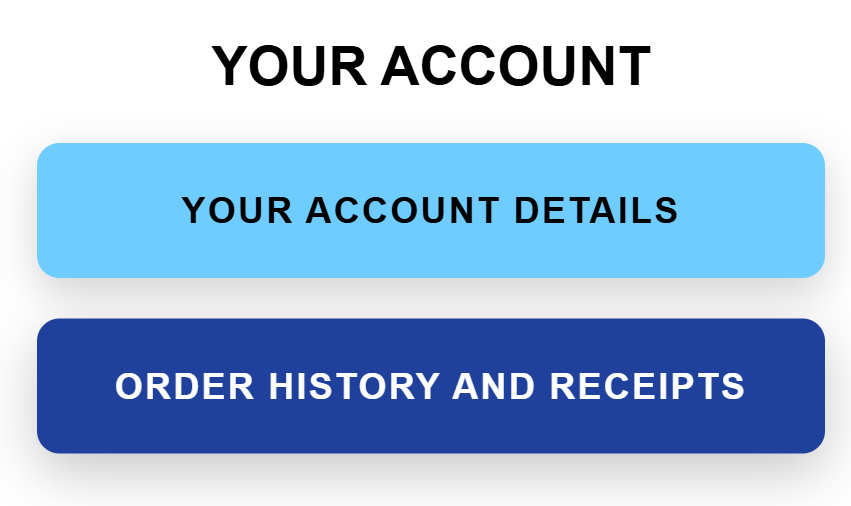
1. After logging into your account, you can click on the blue “Order History and Receipts” button on your Member Homepage.
This will take you to a page with all of your invoices available for download. If you have any trouble, contact us.